Let’s make something truly epic: a magnetic Pokédex for Pokémon fans! We make it from paper and add magnets, so it turns into an interactive collectible game. The round Pokémon tokens stick, move and can be swapped.
With a few extra sets of tokens, you can print more Pokémon, exchange them with friends and enjoy hours of play pretending to be a Pokémon trainer. It is a great make for a Pokémon birthday party, a rainy afternoon or a trading game with friends.
This Pokédex and the Pokémon tokens are a fan-made project for crafting at home. All rights to Pokémon names, characters and images belong to their owners.
BEFORE WE START
What you need.
Materials
- Printable template
- Thick paper or thin cardstock
- Laminating pouches× 3
- Thin white card
- Flexible magnetic sheet
- Thin magnetic sheet with a sticky back
- Gem stickers
- Glue stick or double-sided tape
Tools
- A printer
- Laminator
- Scissors
- Paper trimmer
- Craft knife
- Ruler
- Circle punch
Making one for a friend too? Print pages 1 and 2 twice. Pages 3 and 4 hold 48 Pokémon tokens to share.
Get the free template ↓PART 1 OF 3
The Pokémon tokens
- 1
Print the template
Print the template on A4 (on US Letter, choose “Fit to page”). Card of 160–200 g/m² (about 60–75 lb cardstock) makes the Pokédex stronger. Pages 3 and 4 are the Pokémon tokens.
- 2
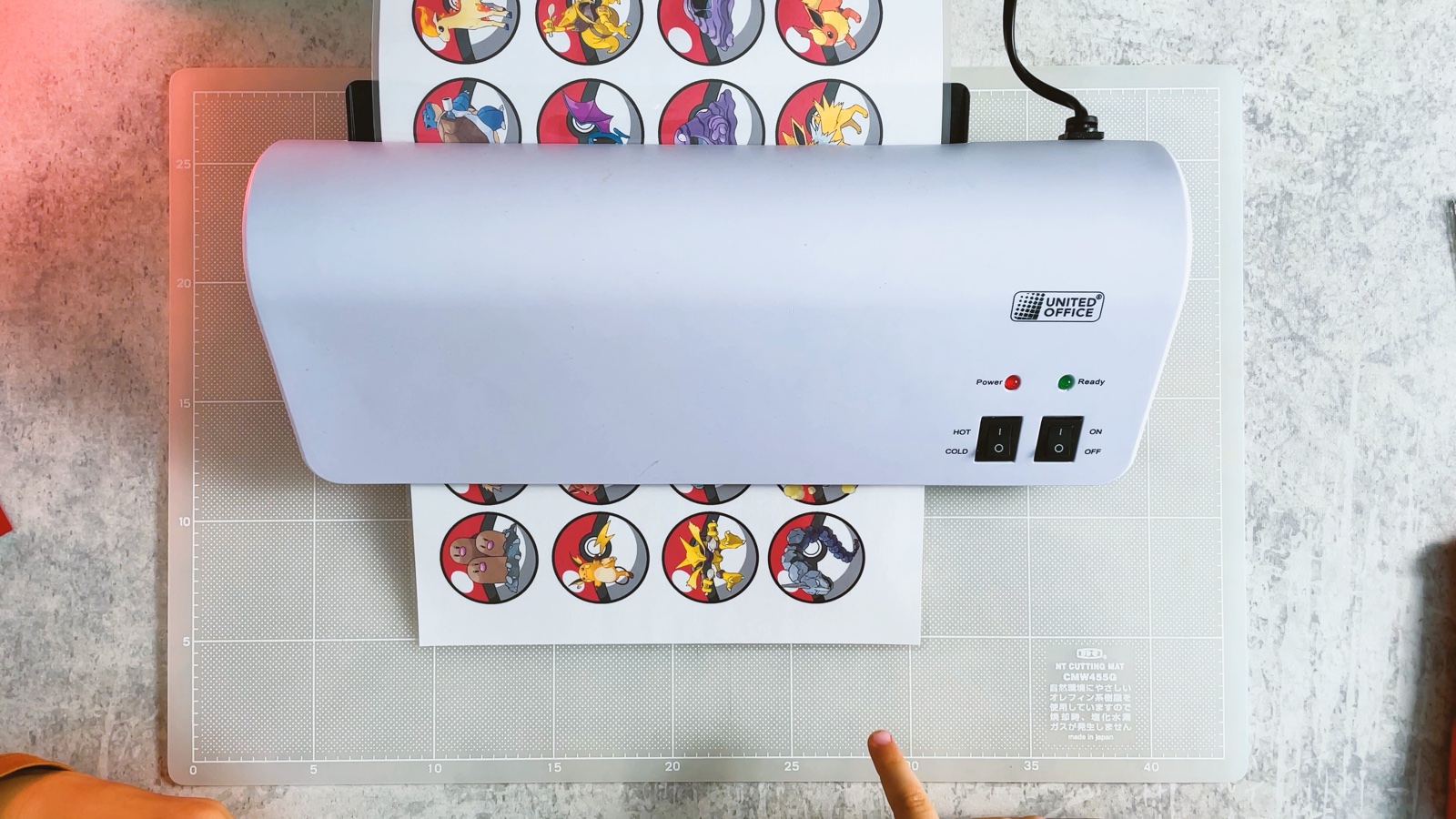
Laminate the tokens
Put pages 3 and 4 into laminating pouches and run them through the laminator. Now the tokens last longer, even after lots of trading.
- 3
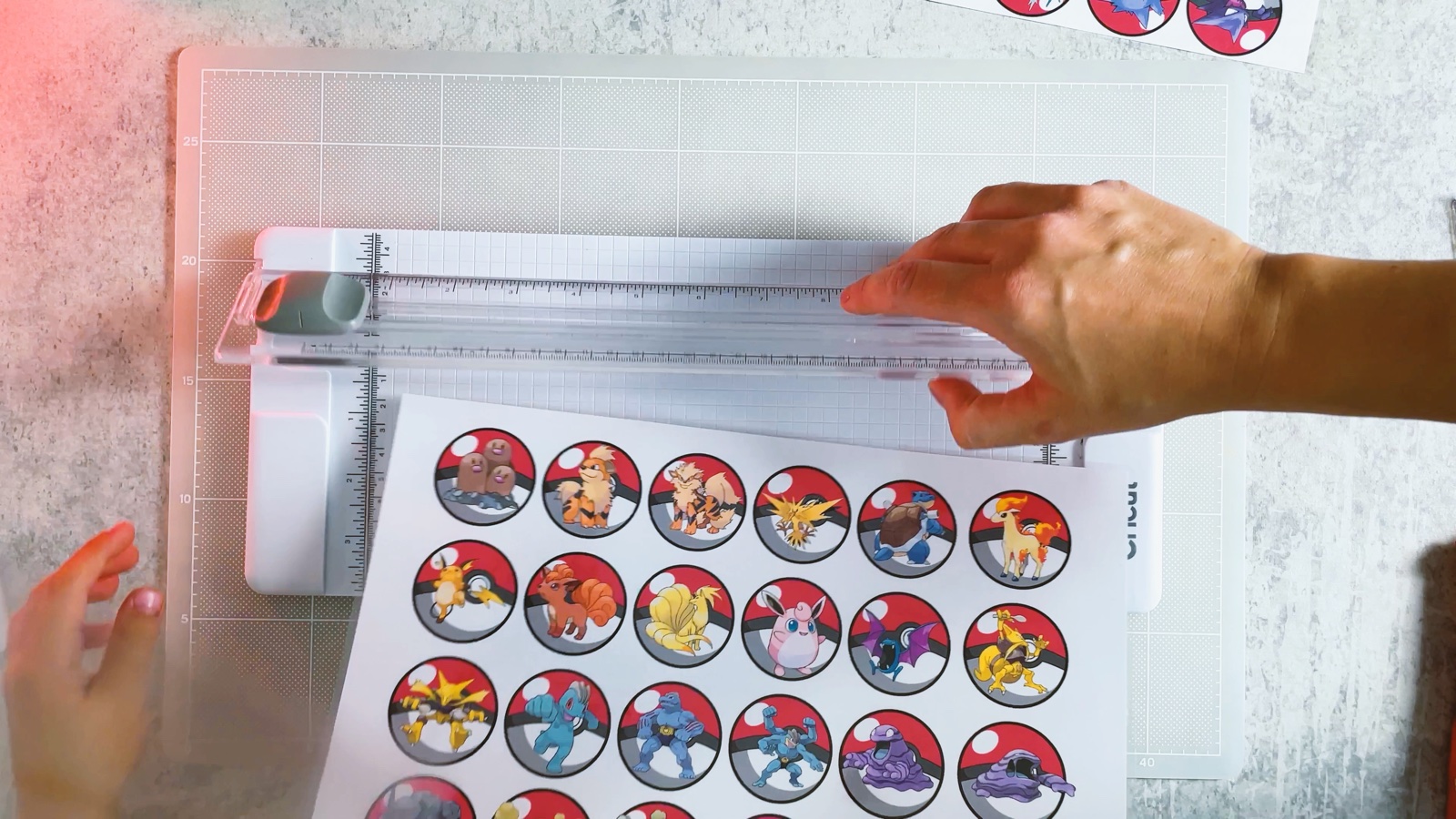
Cut the sheets into strips
Cut each laminated sheet into strips, one row of tokens per strip. A paper trimmer makes this quick, but scissors work too.
- 4
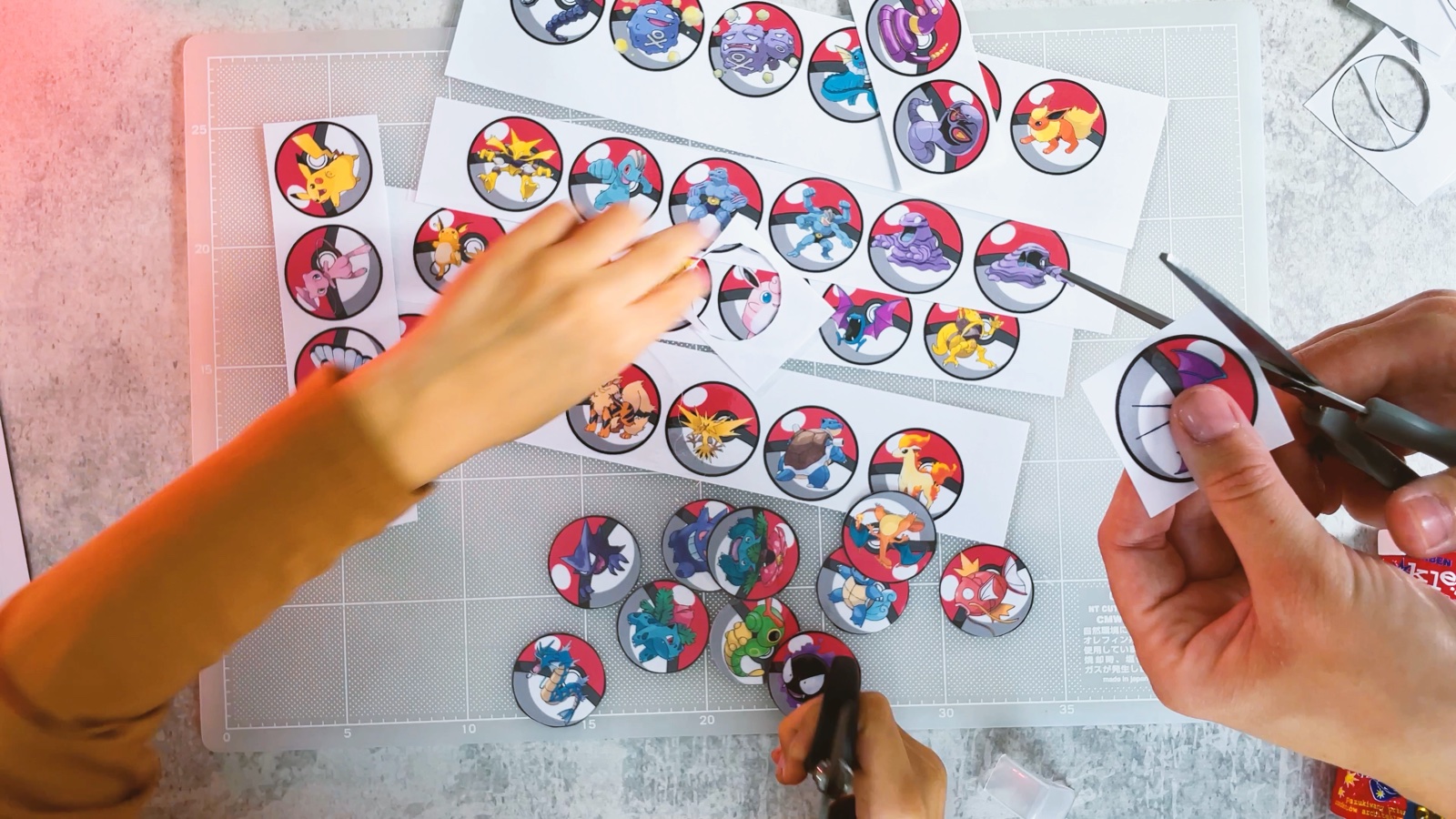
Cut out the tokens
Cut around each Poké Ball, following the black outline.
PART 2 OF 3
The Pokédex
- 5
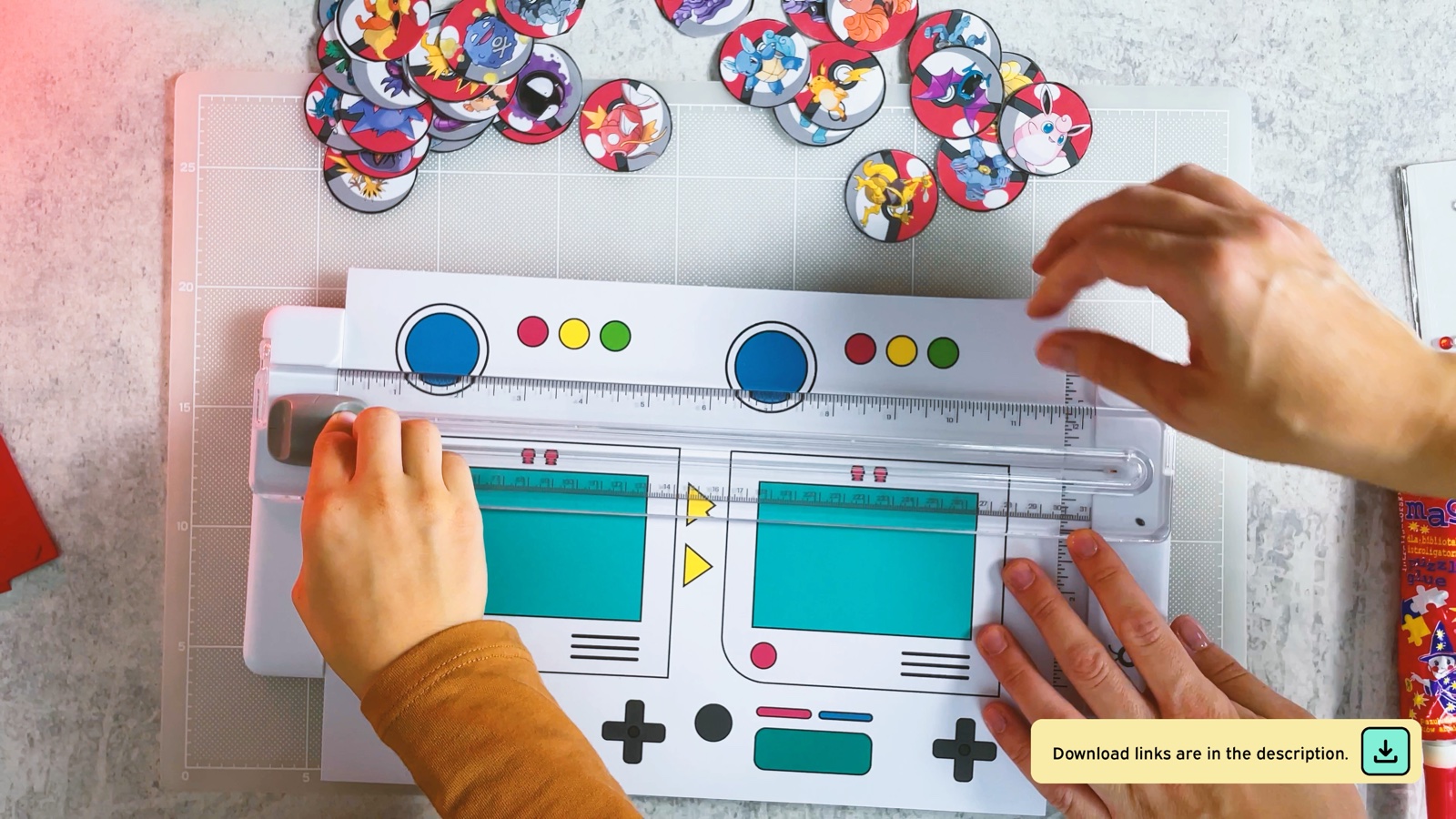
Cut out the white parts
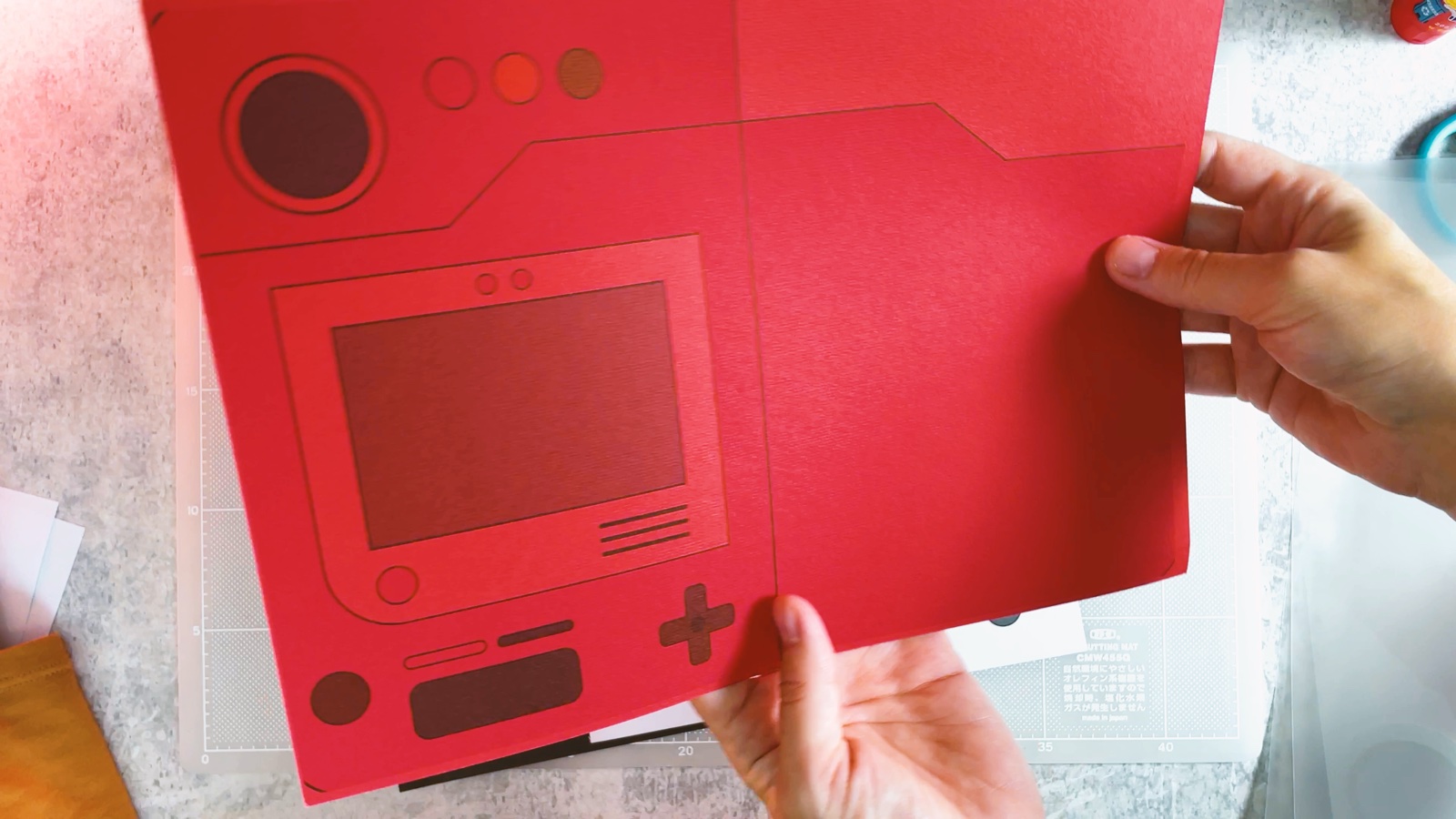
Cut out the white parts from page 2: the screen, the big blue lens, the three lights and the controls.
- 6
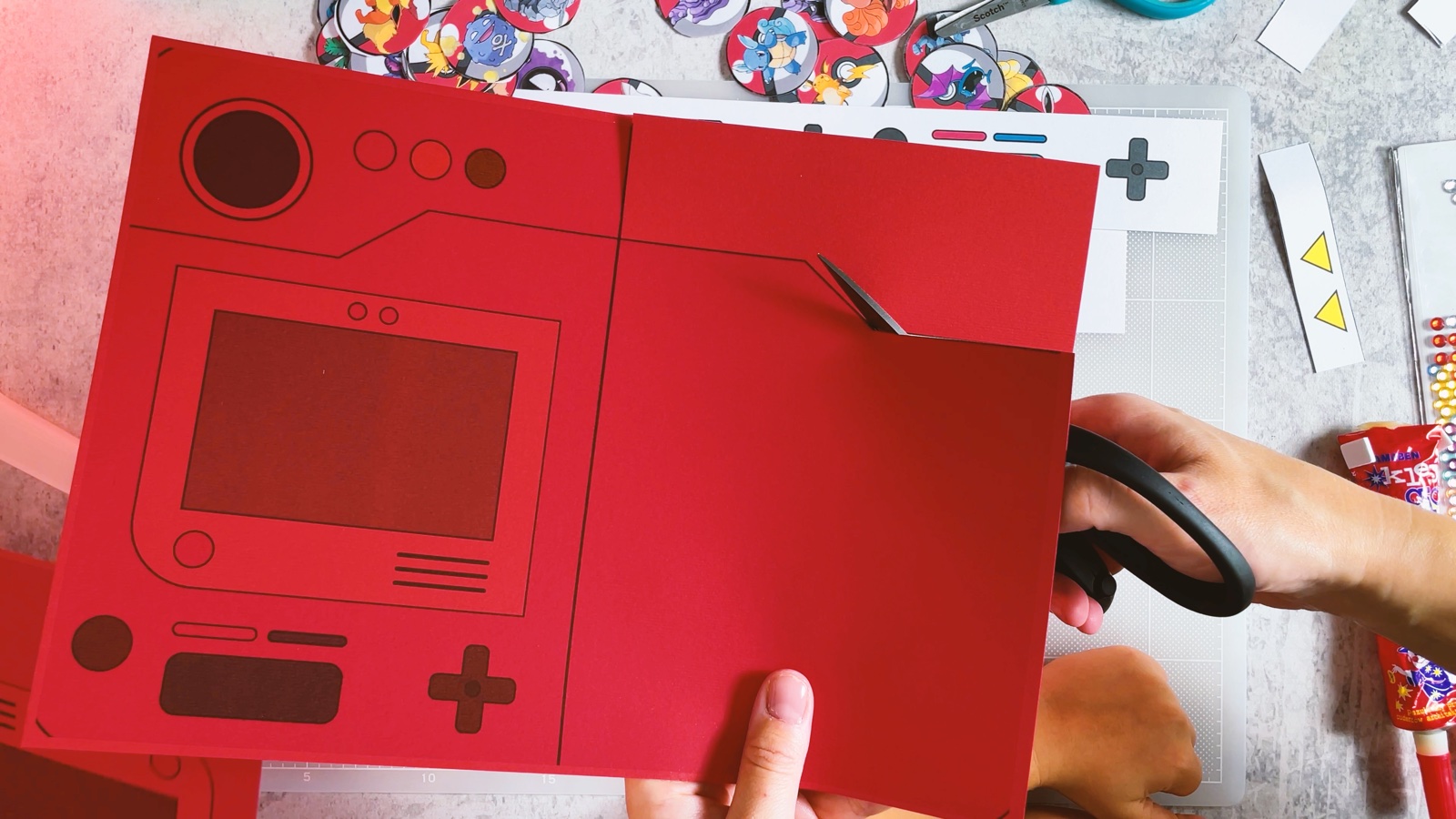
Cut out the red body
Cut around the whole red shape. The front with the lens on top and the page on the right stay in one piece.
- 7
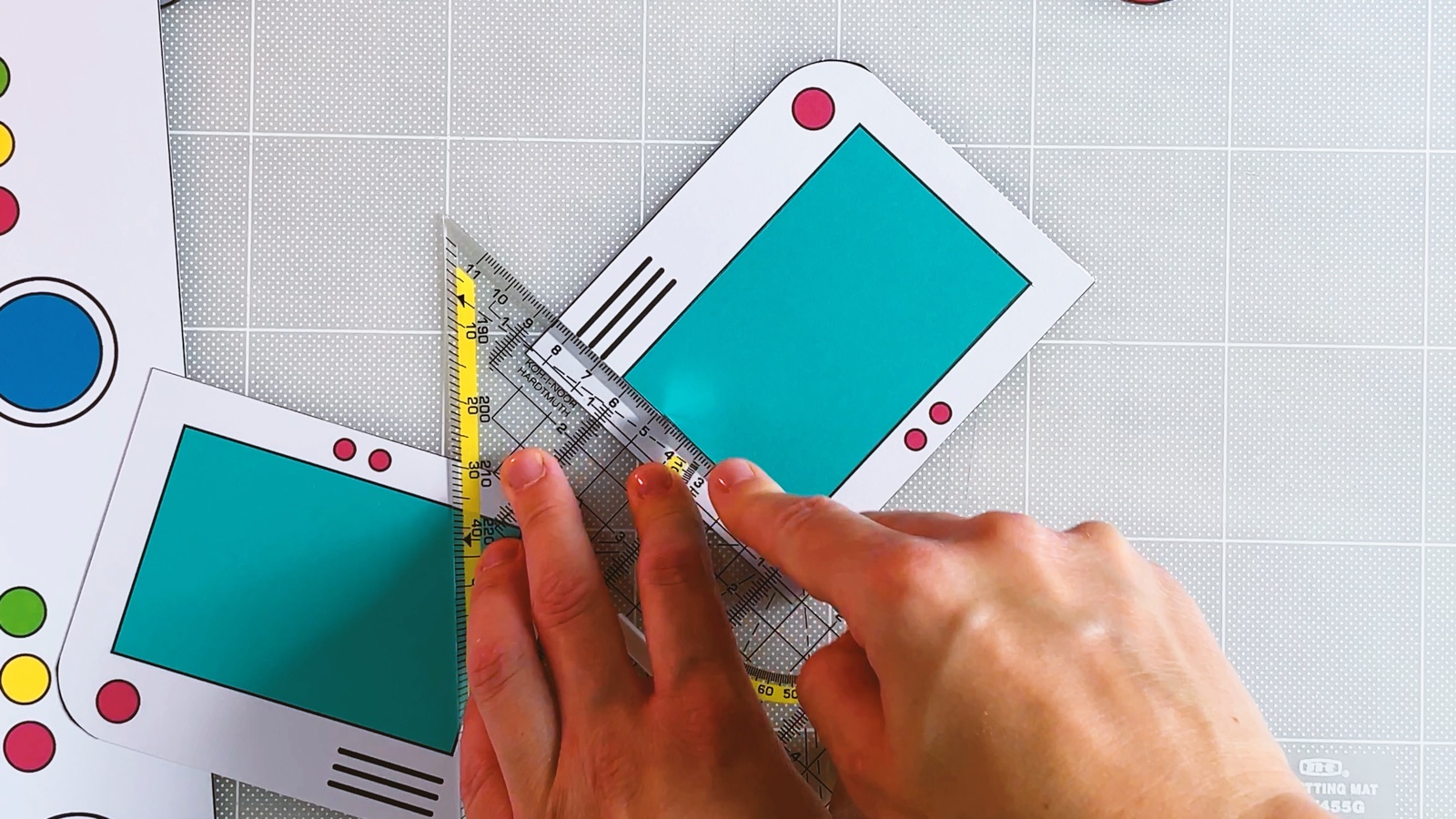
Cut out the screen
Use a craft knife and a ruler to cut the teal screen out of the white frame. Keep both pieces: the teal screen and the empty frame.
- 8
Laminate the frame
Laminate the empty frame. The clear plastic in the middle becomes the shiny window.
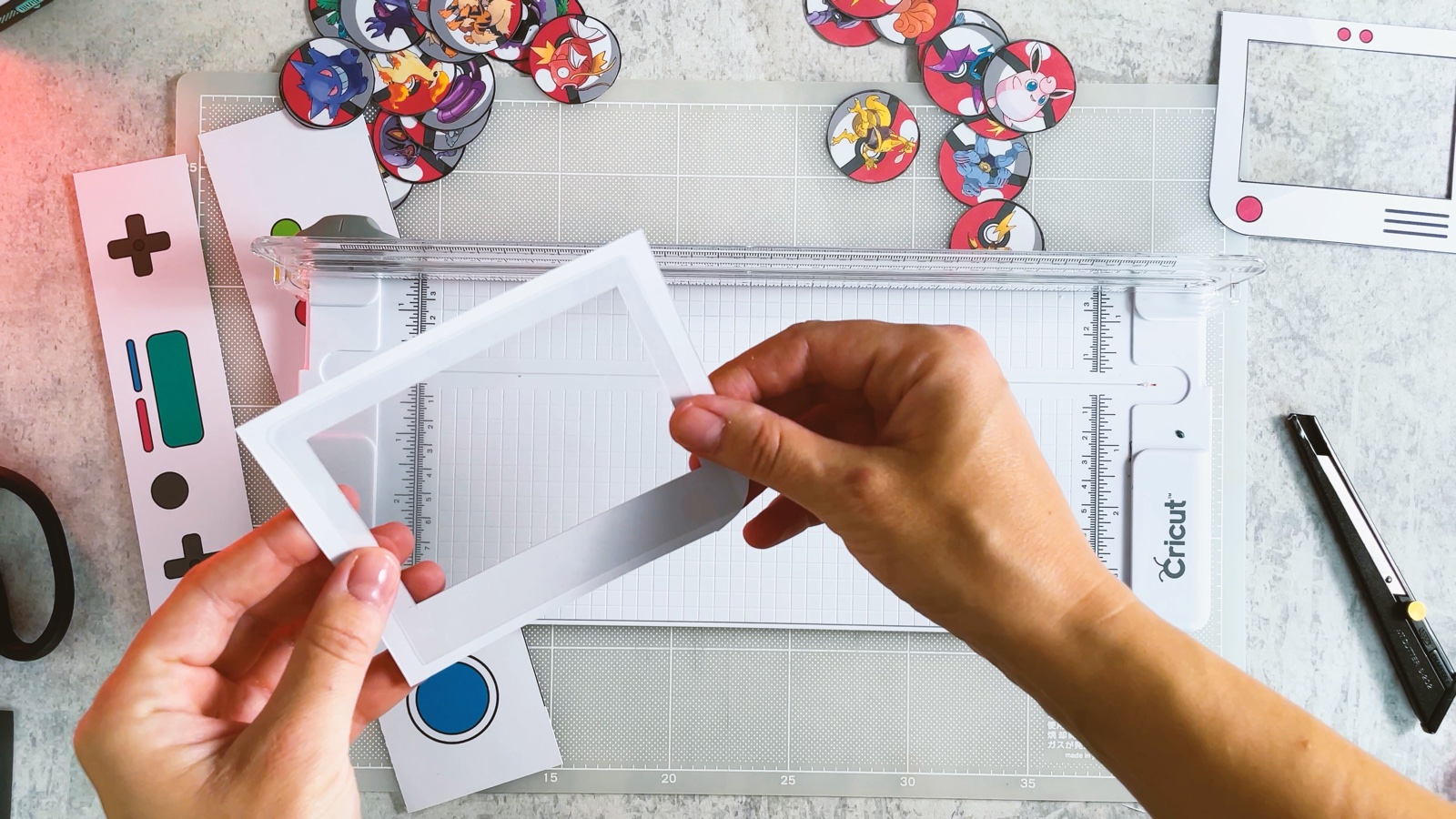
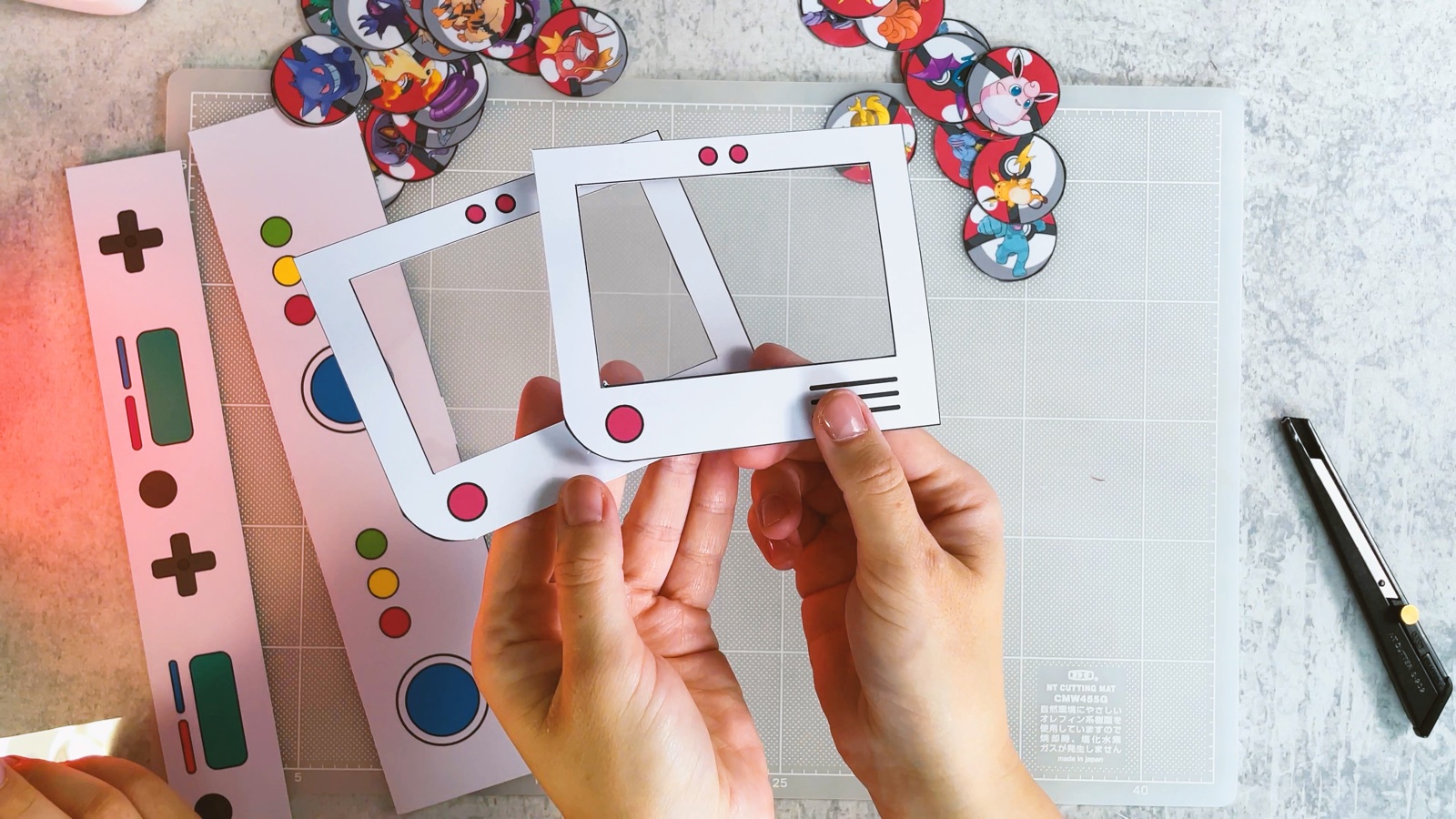
Trim the plastic close to the white edge.
- 9
Glue on the screen
Glue the teal screen onto the dark screen area of the front.
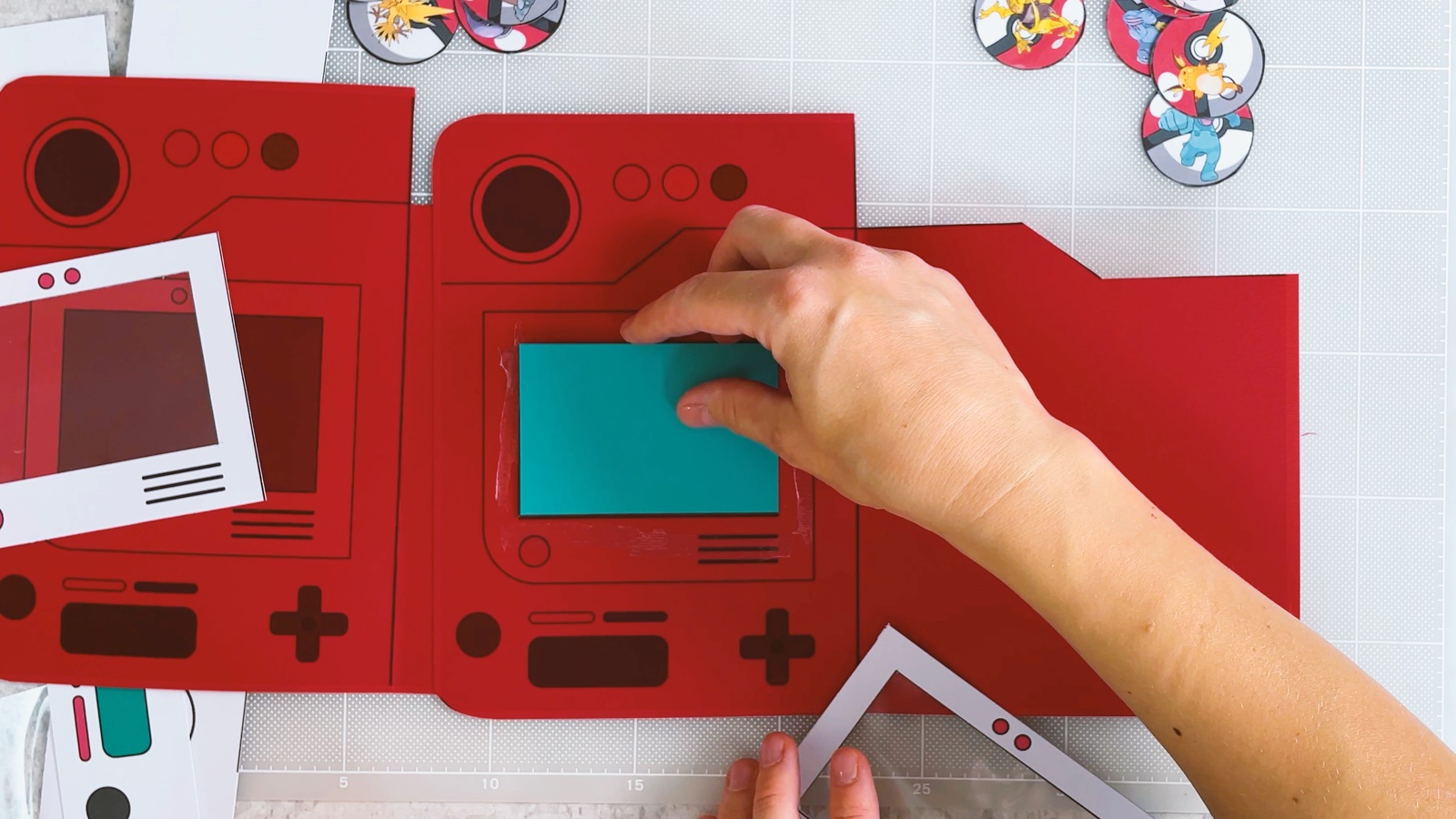
Then glue the clear frame on top, lining up the edges.
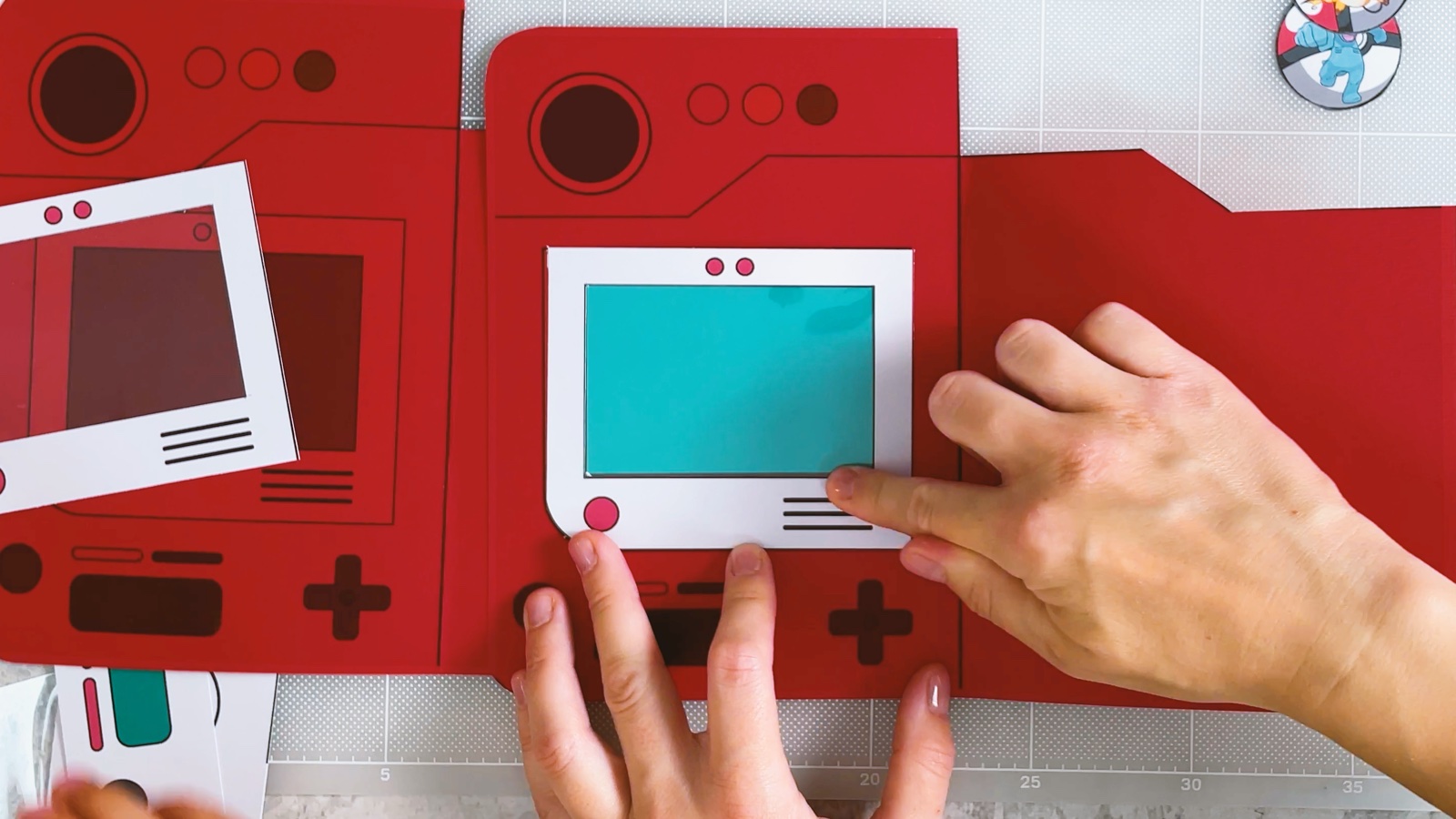
- 10
Add the lens and the lights
Glue the big blue lens onto the large circle at the top. Then add the three small lights next to it.
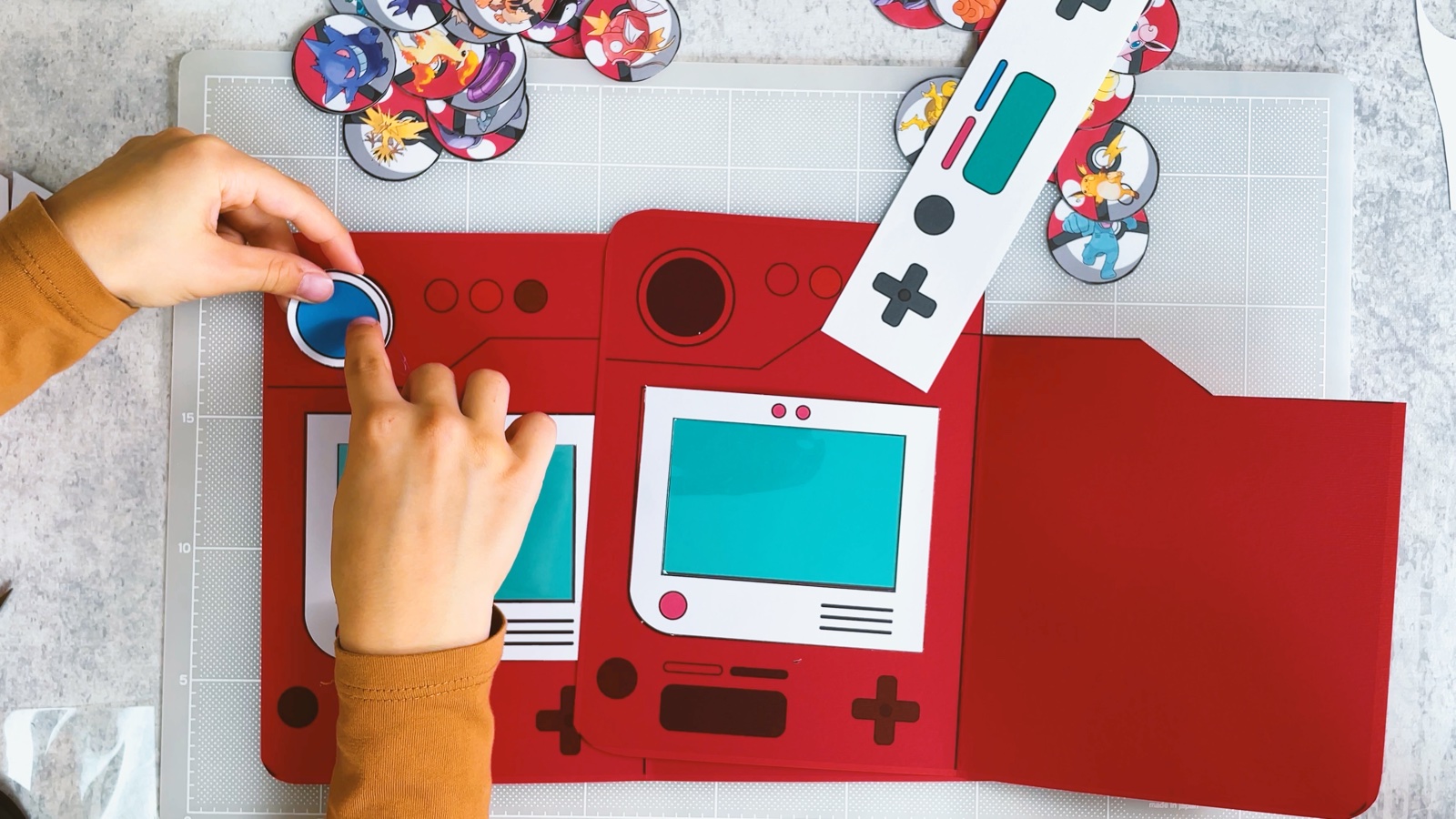
- 11
Glue on the controls
Glue the buttons and the cross pad onto the bottom of the front.
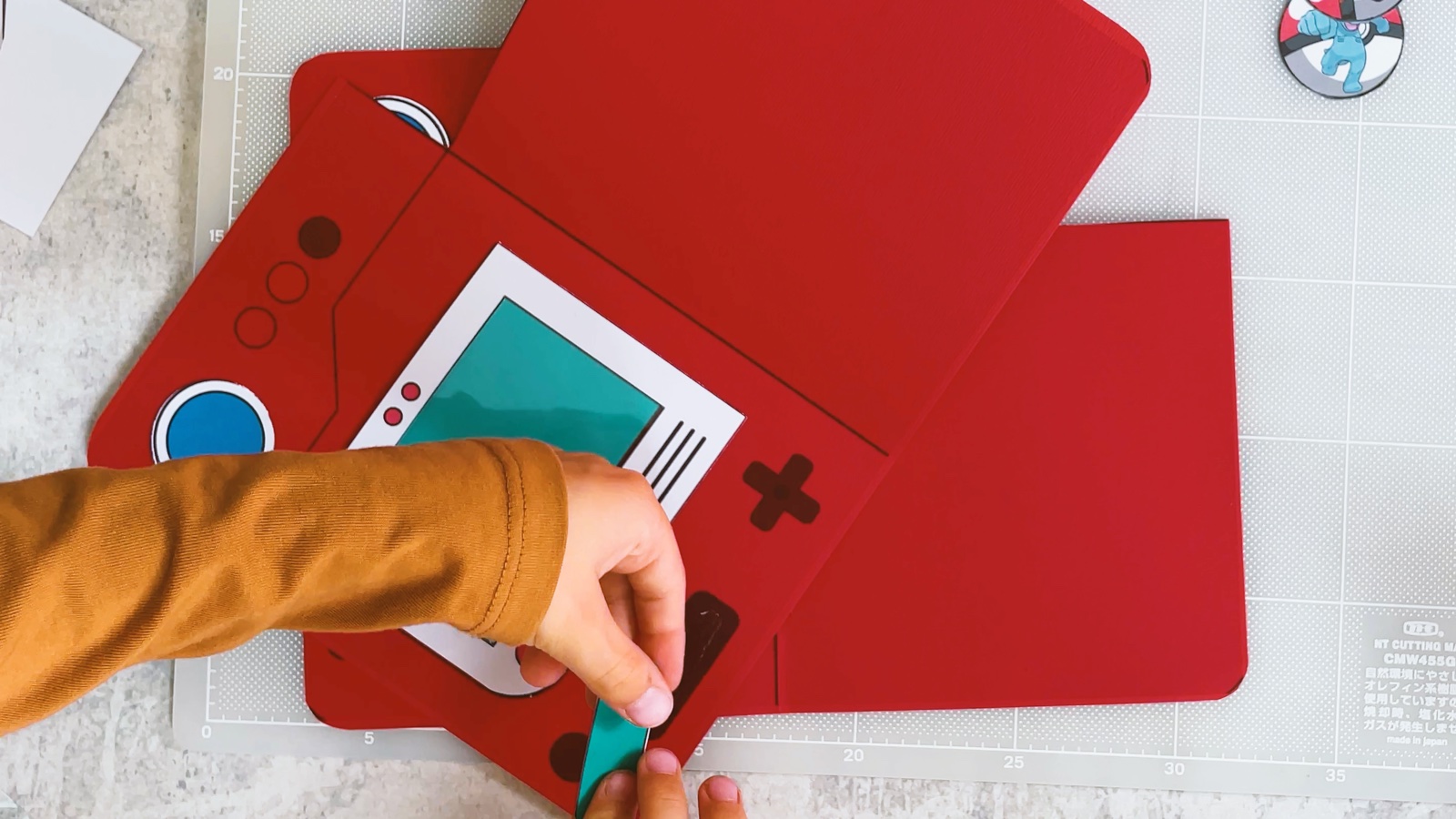
- 12
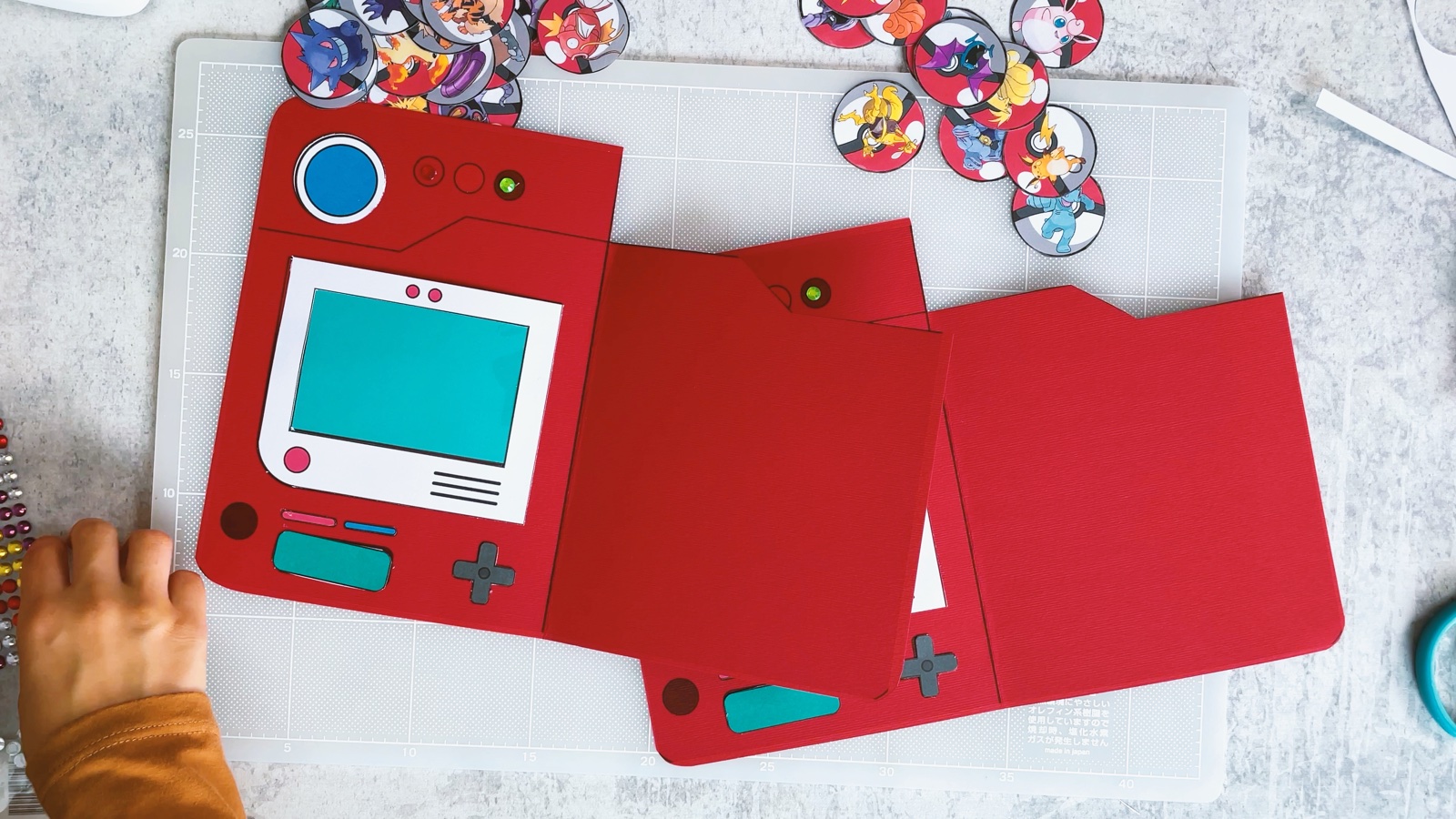
Fold it closed
Fold along the line between the two halves, so the right page closes over the screen. The blue lens peeks out on top, like on the real Pokédex.
- 13
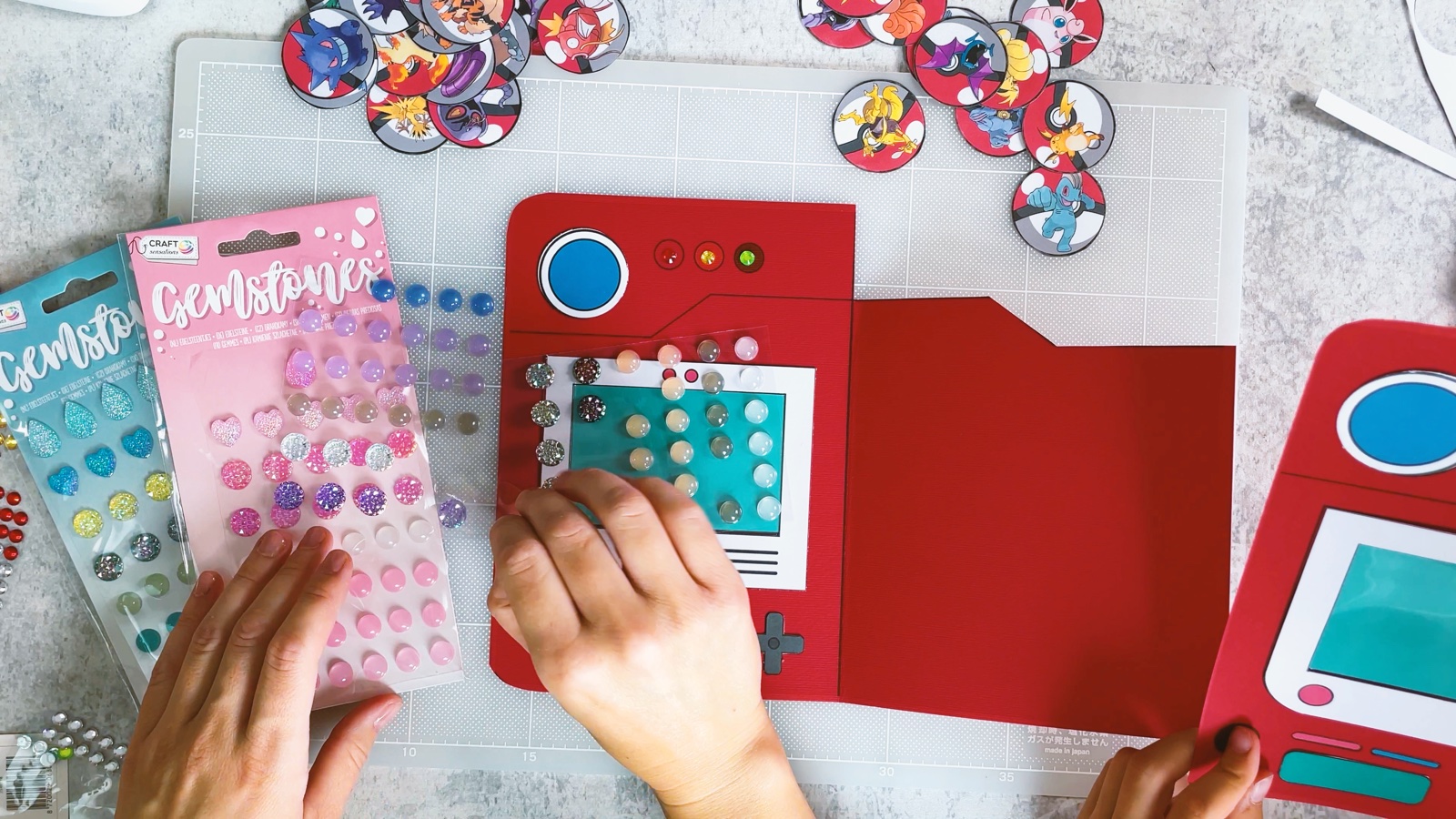
Make it sparkle
Press gem stickers onto the lights and the middle of the blue lens.
PART 3 OF 3
The magnetic page
- 14
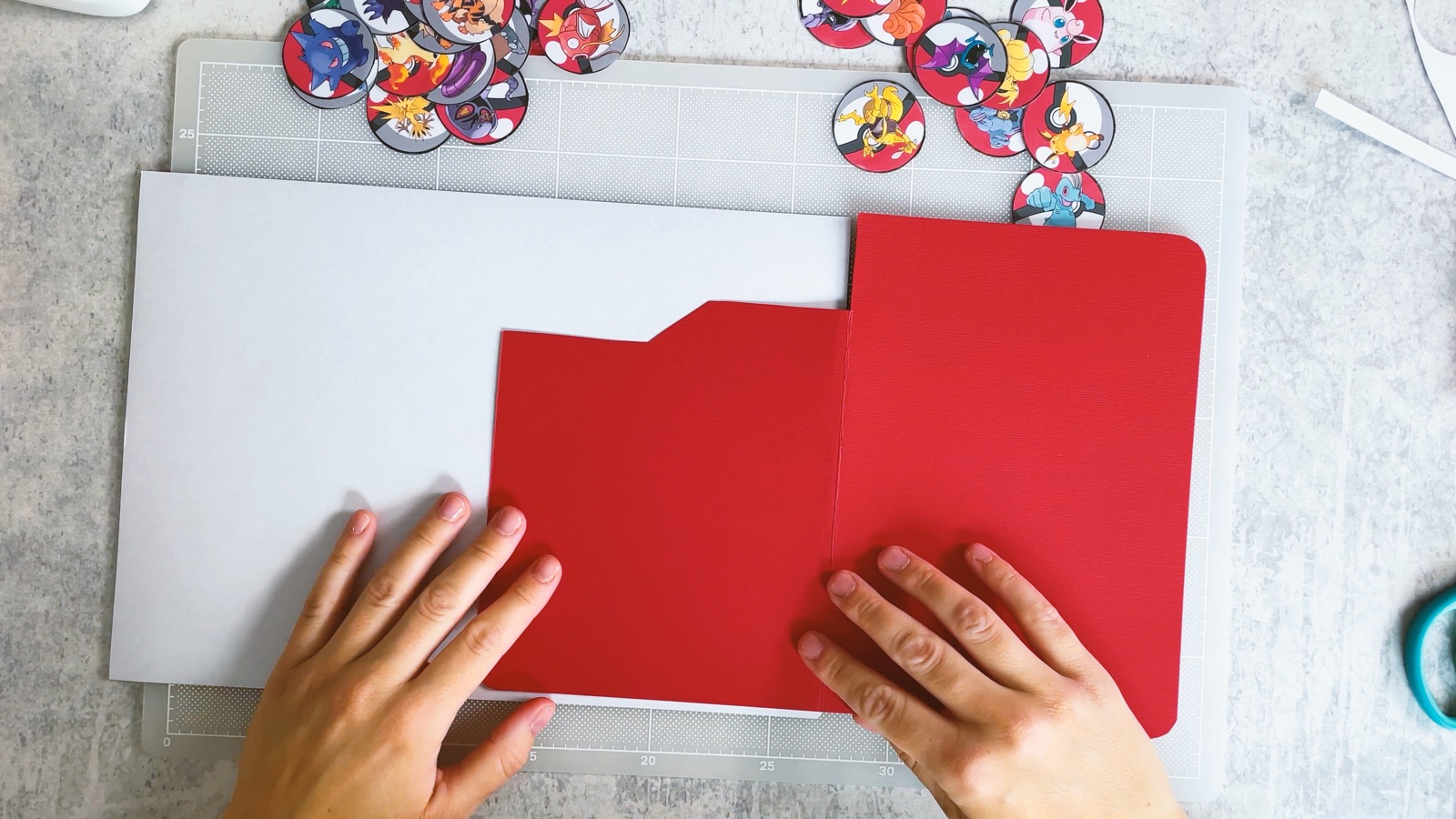
Make the page stronger
Glue the right page onto thin white card and cut around it. Now the page holds the magnets without bending.
- 15
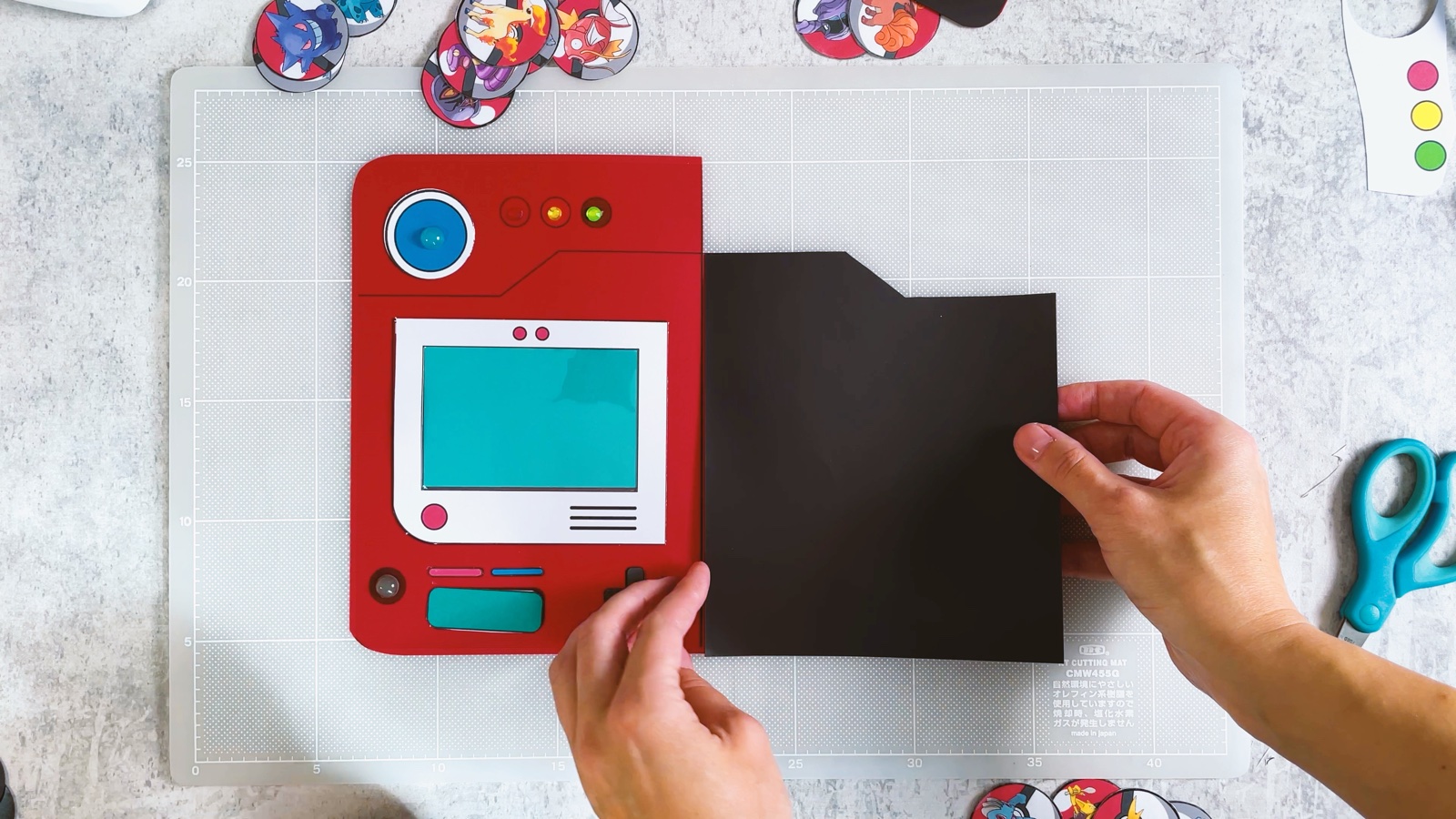
Add the magnetic sheet
Peel the backing off the magnetic sheet and press it onto the page. Then cut it to the same shape as the red page.
- 16
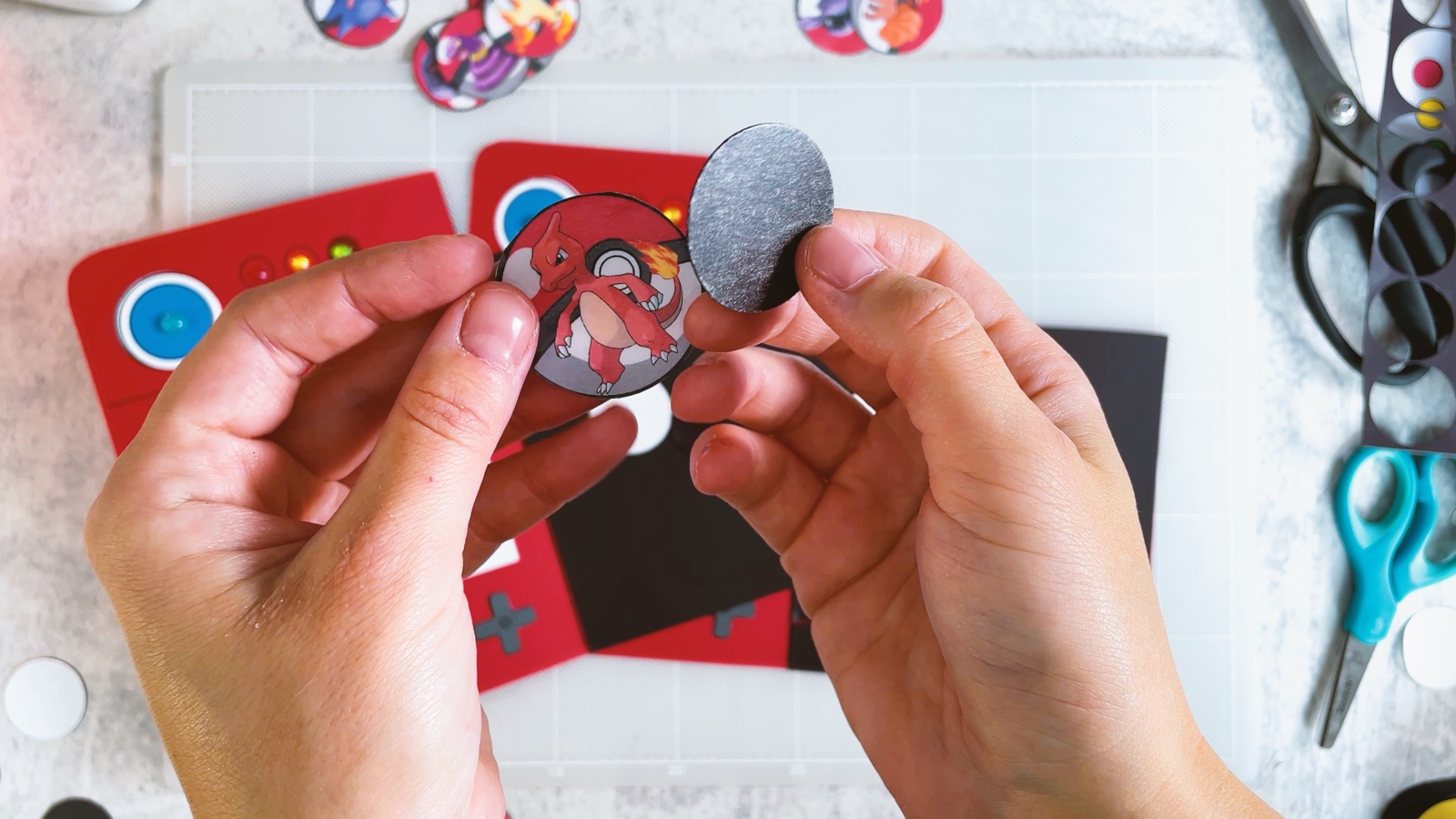
Add magnets to the tokens
Punch small circles out of the thin sticky magnetic sheet.
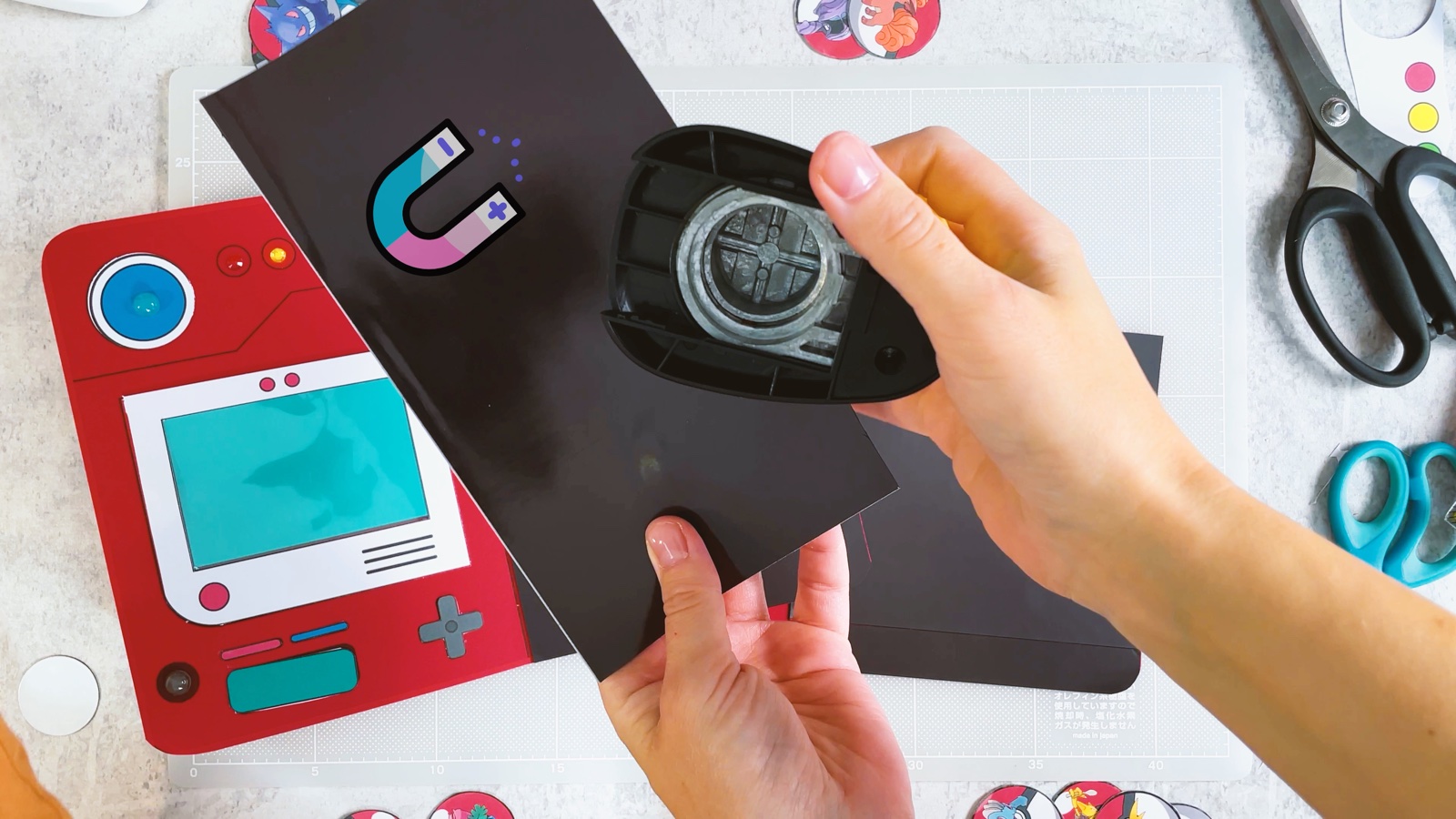
Peel off the backing and press one circle onto the back of each token.
- 17
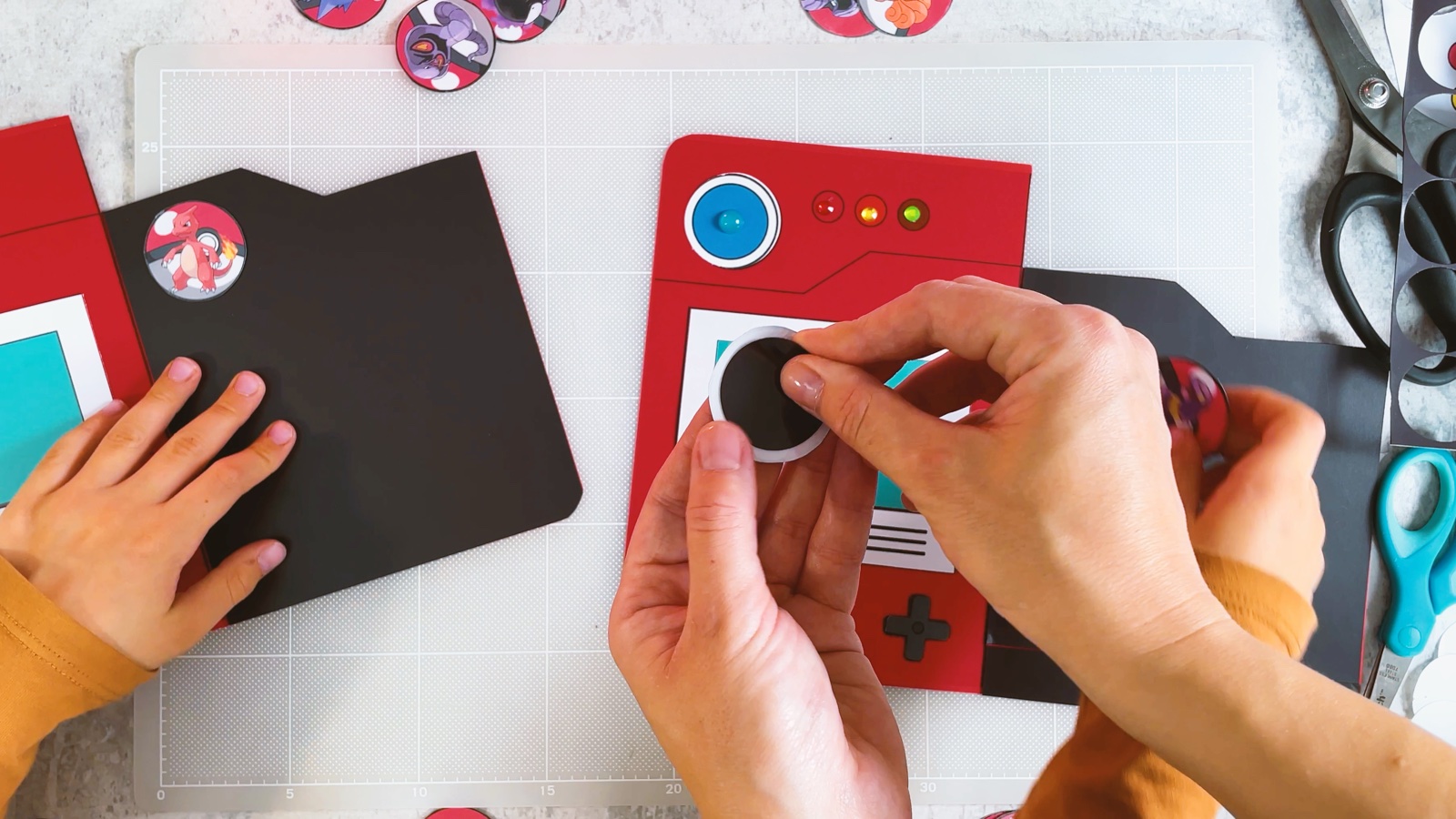
Add a magnet to the screen
Stick one magnet circle in the middle of the screen. This is the spot for the Pokémon you just caught.
- 18
Fill your Pokédex
Put one token on the screen and fill the magnetic page with the rest. Swap them, trade them and catch new ones.
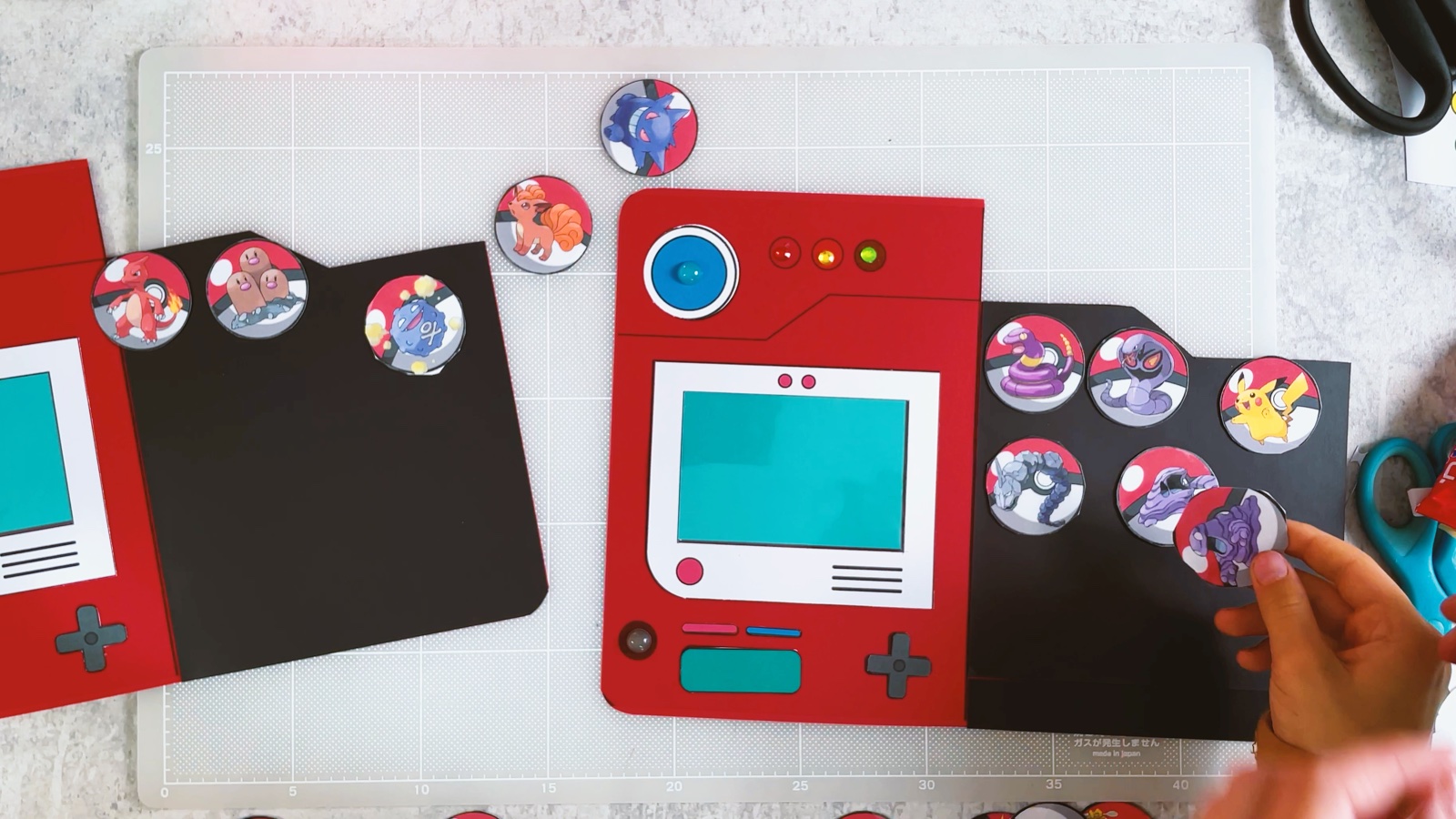
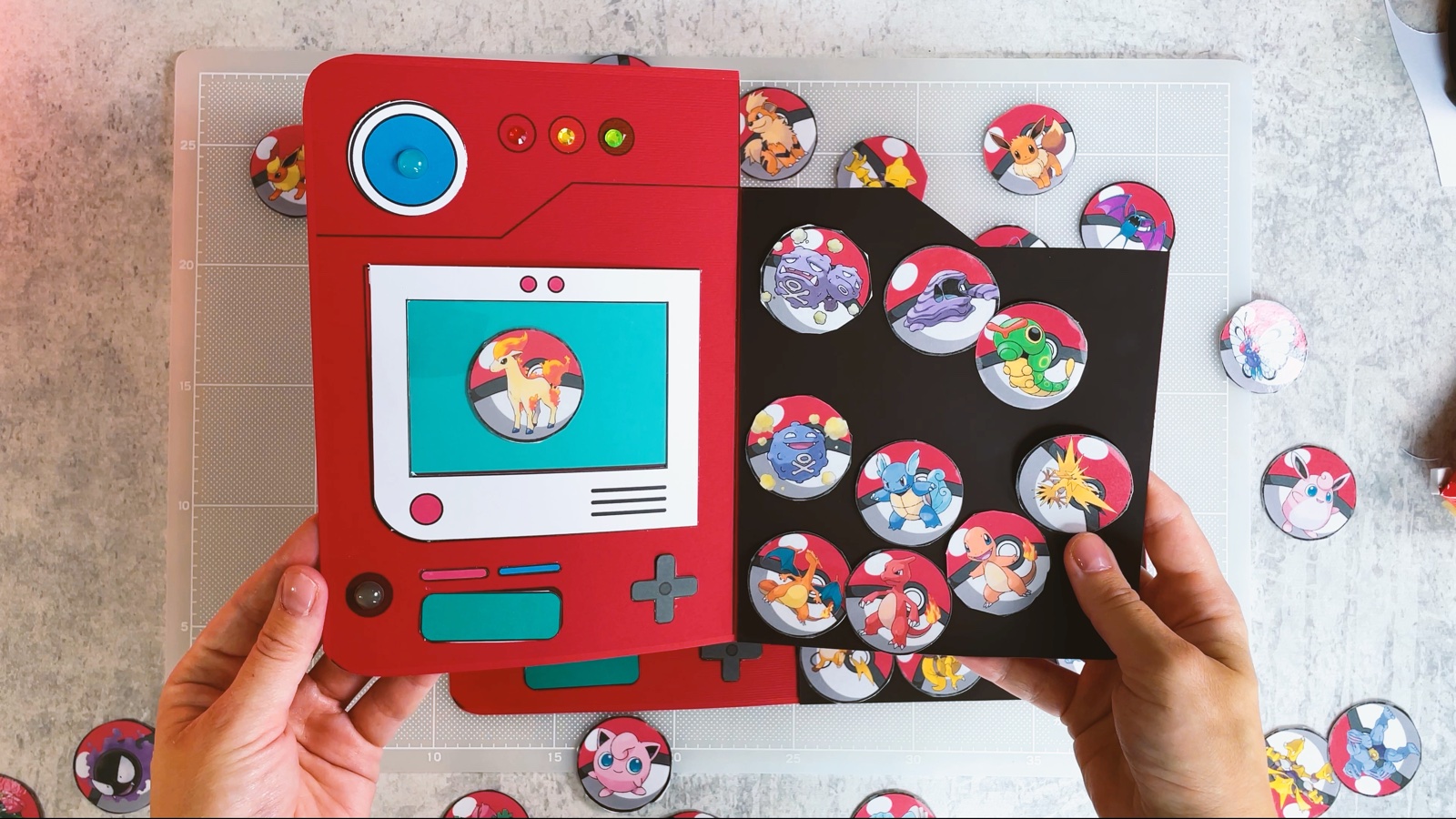
Your magnetic Pokédex is ready.
THREE LITTLE TIPS
Make it easier.
- Laminate before you cut. One pass through the laminator protects a whole sheet of tokens at once.
- Print more tokens to trade. Print pages 3 and 4 again and swap Pokémon with friends.
- Tokens jumping away? Magnets can push each other. Turn the magnet circle on the back of the token the other way round.

A CUBI MINI MOMENT
Who will you catch first?
Cubi and Mini trade tokens every Saturday morning. Which Pokémon will you trade first?
Two Charmanders for one Jigglypuff, because Jigglypuff is Mini’s favourite.
Loved making it?
Catch the next make first, or save this one for a rainy day.